Editable template
Online Student Award Certificate Template
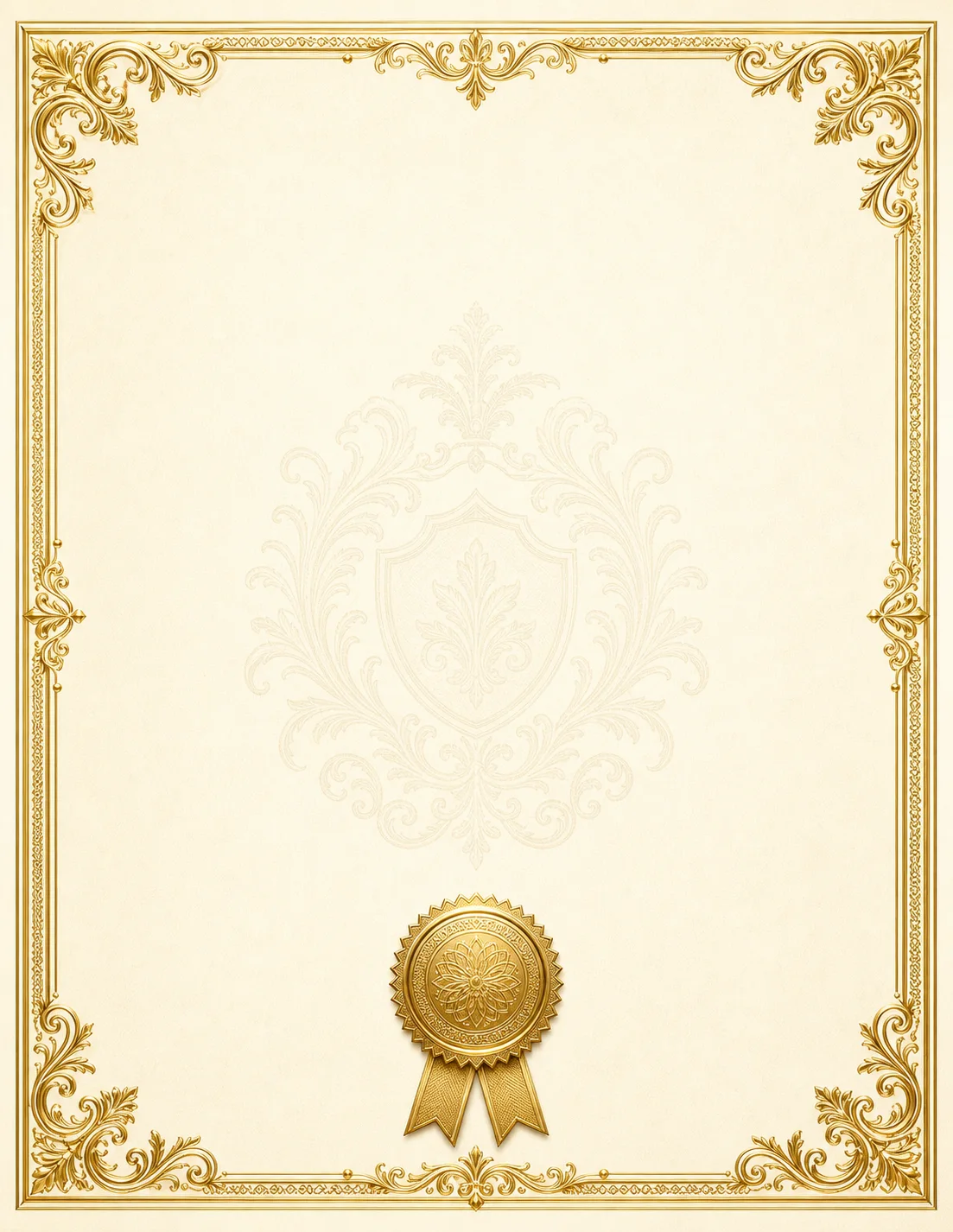
Need a student award certificate template? Open this editable layout, add the student's name, the award title, the date, and a teacher signature line, then export a print-ready PDF to hand out at your classroom or school ceremony.
Edit in your browser. Export a clean PDF. No Publisher install.


Best uses for this student award certificate template
- 1
Student of the month
Recognize a standout student each month with a certificate that names the award and the reason they earned it.
- 2
Reading or math achievement
Celebrate reading milestones, math fact mastery, or a finished unit with a subject-specific achievement award.
- 3
Perfect or improved attendance
Honor students with perfect attendance, or recognize the most improved attendance over a term.
- 4
Most improved
Encourage growth by awarding most-improved in a subject, in effort, or in behavior over the grading period.
- 5
Citizenship and character
Reward kindness, leadership, teamwork, or good citizenship with a values-focused classroom award.
- 6
End-of-year superlatives
Send students off with fun, kind end-of-year awards — best helper, future scientist, class encourager, and more.
Online Student Award Certificate Template
Edit in your browser. Export a clean PDF. No Publisher install.
What you can edit
- Student name
- Award title
- Date
- Teacher or principal name
- Signature line
- School name
- Short description
- Class or grade
What to put on a student award certificate
A clear student award certificate includes the school or classroom name, the award title (Student of the Month, Reading Champion, Most Improved), the student's name in large type, a short line describing what they did, the date, and a signature line for the teacher or principal. Keep the wording warm and specific — 'for outstanding effort in writing this quarter' means more to a student and family than a generic 'achievement.' Add your school logo or mascot to make it feel official.
Ideas for classroom awards
Beyond grades, the awards students remember most recognize effort and character: most improved, best teammate, kindest classmate, class encourager, persistence award, or a subject-specific 'champion.' For end-of-year ceremonies, give every student a positive, personalized award. Because you edit in the browser, you can duplicate the certificate and change the name and award line for each student, then export and print the full set.
Related student award certificate templates
Click any template to open it in the editor — customize, then export a print-ready PDF.




How to customize this student award certificate
- 1Pick a certificate layout. Choose a classroom award or certificate layout from the school template collection.
- 2Set the award title. Replace the placeholder title with your award — Student of the Month, Reading Champion, Most Improved, and so on.
- 3Add the student's name and reason. Type the student's name in the main field and add a short, specific line about what they did to earn it.
- 4Add the date and signature. Enter the date and a teacher or principal signature line, and drop in your school logo if you have one.
- 5Export and print. Download a print-ready PDF. To award a whole class, duplicate the certificate, change the name for each student, then export and print the set.
Frequently asked questions
What is a student award certificate template?+
A student award certificate template is an editable layout teachers and principals use to create classroom and school awards — student of the month, achievement, attendance, and character awards. PublishMedia certificates are customized in your browser and exported as print-ready PDFs.
Can I make a certificate for a whole class?+
Yes. Duplicate the certificate, change the student's name and award line for each one, then export and print the set. There is no per-certificate charge, so a full class set costs nothing extra.
Can I add our school logo?+
Yes. Upload your school logo or mascot as a PNG or JPG and place it at the top of the certificate next to the school name.
Can I change the award title and wording?+
Yes. Every text field is editable — change the award title, the description line, the date, and the signature to fit any award you give.
Do I need Microsoft Publisher installed?+
No. The certificate is edited entirely in your browser on any computer or Chromebook. You can also open an existing Publisher .pub certificate and keep editing it online.
Is this affiliated with Microsoft?+
No. Publish Media Software is independent and not affiliated with, endorsed by, or sponsored by Microsoft Corporation. 'Microsoft Publisher' is a trademark of Microsoft Corporation.
Is this only for Microsoft Publisher files?+
Publisher comes first: open your .pub files, start from a print-ready Publisher-style template, or create a brand-new document — all in your browser. As a bonus, you can also open Word, PowerPoint, PDF, and image files and fully edit them online when you need to.
Can I open a Word, PowerPoint, or PDF file too?+
Yes. Alongside Publisher .pub files you can open Word, PowerPoint, and PDF files (and PNG/JPG/WebP images) as an editable starting point, then edit them in your browser and export a clean PDF. Publisher is our focus; these are a convenience for the other files you already have.
Can I export a clean PDF?+
Yes. Every document exports to a clean, print-ready PDF — included on the free plan. You can keep editing online and return to your project anytime.